

How to Bypass Geo-Blocking and Unlock Restricted Websites
 Sharon
  2026.08.16
Have you ever settled in to watch a highly anticipated show or access an essential academic research portal, only to be blocked by a frustrating error message: “This content is not available in your region”?
Despite the promise of a borderless internet, digital borders—known as geo-blocking—remain a major hurdle. As network security and product operations specialists, we will skip the dense jargon and diagnose why these digital walls exist, while offering a streamlined guide to reclaim your online freedom.

🏥 Understanding the Mechanics of Digital Geo-Restrictions
Before solving the issue, it is vital to understand exactly how platforms detect your real-world location and restrict access:
-
IP Address Geolocation: Every internet connection is assigned an IP address registered with global registries (like APNIC or RIPE). When you visit a website, its servers instantly look up your IP to pinpoint your country and province.
-
Copyright Licensing Boundaries: Streaming giants purchase content distribution rights on a strictly country-by-country basis. To avoid massive cross-border copyright lawsuits, they deploy aggressive geolocation restrictions.
-
Anti-Proxy Radars: Modern platforms use advanced proxy detection. They do not just check your country; they identify whether your IP originates from a commercial data center. If it does, you are flagged as using a proxy and immediately blocked.
💊 3 Steps to Overcome Regional Restrictions Permanently
If you are blocked by a digital wall, you can easily restructure your network environment using this professional, 3-step technical approach:
1. Establish an Encrypted Tunnel with PandaVPN
Download and launch the PandaVPN client, then select a server located in your target region (e.g., choose a London server to access UK-only libraries).
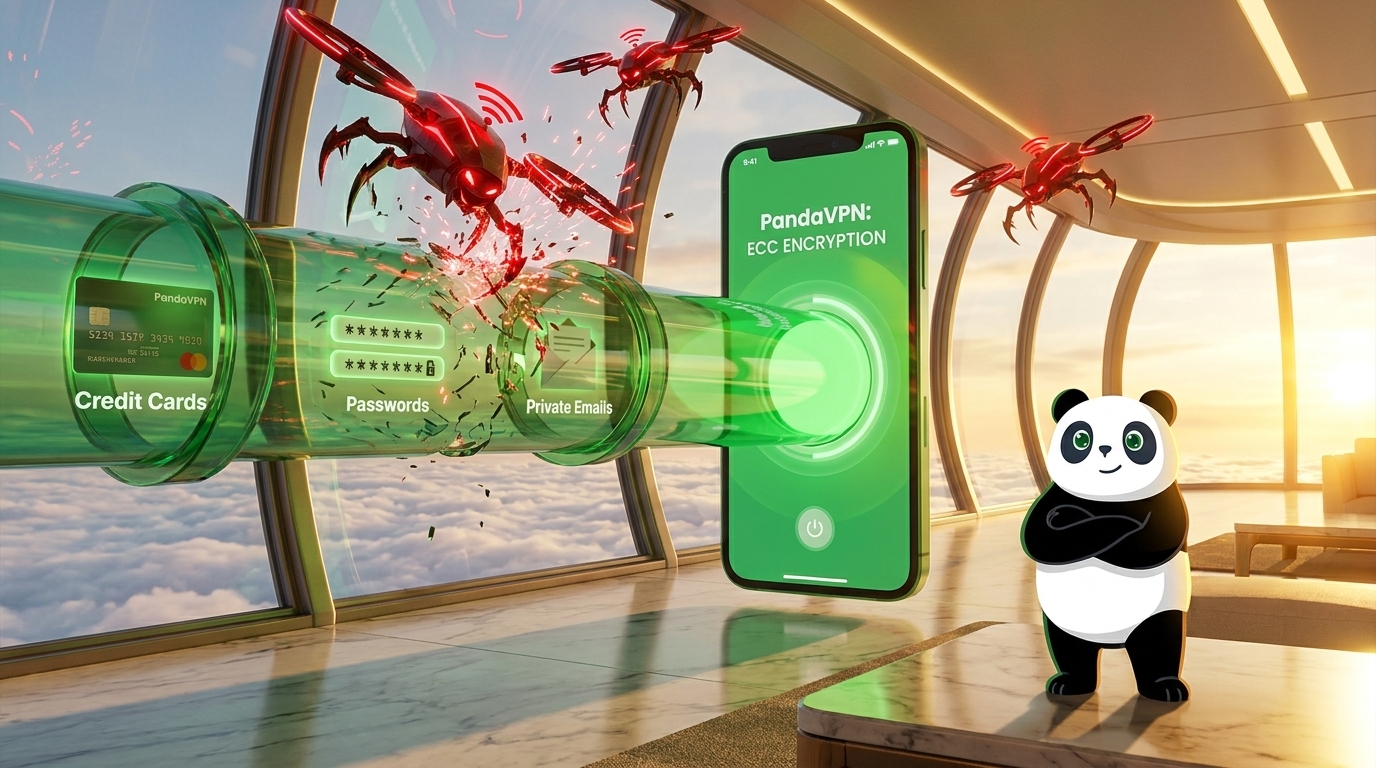
Technical Insight: PandaVPN utilizes the highest level of secure ECC encryption technology to mask your data. Once connected, your traffic routes through an encrypted tunnel, forcing remote servers to see the local IP of the PandaVPN server instead of your real location.
2. Wipe Local Browser Fingerprints
If you still face blockages after connecting, your browser is likely leaking your past location via HTML5 local storage or persistent cookies.
-
The Fix: Close the restricted tab, clear your browser cache and cookies, or simply open a new session using Incognito/Private Browsing Mode.
3. Deploy Multi-Platform Server Network Optimization
With an extensive footprint of over 6,000 servers across 203 locations in 100 countries, PandaVPN prevents server congestion. Ensure your client is updated to the latest version on Windows, macOS, iOS, or Android to leverage optimized routing tables that handle geo-locked platforms smoothly.
💬 Troubleshooting Common Connection Issues
Q1: I am connected to a VPN, so why does the website still know my real location?
Standard commercial VPNs use static data center IPs. When thousands of users connect through the exact same IP address simultaneously, streaming platforms instantly flag and blacklist that entire IP range.
PandaVPN counters this by deploying ultra-fast IPLC servers and patented acceleration technology. This system continually rotates high-bandwidth endpoints, ensuring your traffic mimics authentic, low-latency residential connections that easily slip past strict proxy detection radars.
Q2: Is it legal to bypass regional blocks with a VPN?
In the vast majority of countries, using a VPN to secure your private data and protect your anonymity is completely legal. However, bypassing regional blocks often breaches a streaming platform’s Terms of Service (ToS). While platforms actively work to block VPN access, they rarely pursue legal action against individual subscribers.
Q3: How can I stream high-definition content without buffering?
Bandwidth throttling is the biggest enemy of 4K and 8K streaming. PandaVPN offers unlimited bandwidth with server speeds capable of reaching 10Gbps. By connecting to its dedicated streaming and gaming routes, you eliminate traffic caps and data bottlenecks for an entirely seamless playback experience.
Bypassing geo-restrictions remains a continuous technological race. No provider can realistically promise flawless, permanent access to every single niche platform forever.
However, by leveraging a global high-speed infrastructure, elite ECC encryption, and massive 10Gbps bandwidth, PandaVPN delivers one of the most reliable digital passports available today. Ready to explore a borderless internet? Download PandaVPN today and secure all your devices with a single click.

Related Posts

Featured Posts