How do I install PandaVPN on my Android TV?
PandaVPN for Android TV supports Android 5.0 and above, you can download the latest version of this Android TV VPN from its official website or Google Play Store and install it on your Android TV.
 Your IP: Unknown · Your Status: Unknown


Version: 9.6.0 Update: Supports: Android 5.0+
Download the reliable and secure for your Android TV. Unlock a new world of entertainment.


Sign up for PandaVPN to get a random digital account, set your security password and choose a plan to subscribe to.

Click the "Free Download" button or download the PandaVPN installer for Android TV from Google Play, and then install the VPN client on your Android TV.
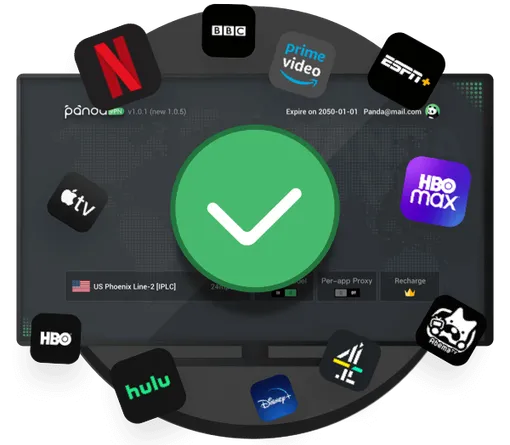
Launch the PandaVPN app, sign in to your account and then one-click connect to any server you like. Connect and enjoy the premium PandaVPN service with enhanced security and privacy.
PandaVPN for Android TV supports Android 5.0 and above, you can download the latest version of this Android TV VPN from its official website or Google Play Store and install it on your Android TV.
PandaVPN offers two sign-in options on the sign-in page. You can sign in to your account on Android TV, or scan the QR code by your browser and sign in to your account from your mobile device.
The prompt "Connection failed, your device is missing the required components for VPN" is because the current Android TV system does not support VPN usage, you can choose to upgrade your Android TV system.